Password
This page will explain how to use the Password cue of the Cues library.
Password objects are useful when you need input from the user but would prefer their input be hidden while they type as it may contain sensitive information. The expected input is a str object. The result is a dict containing a str.
Before we start, make sure you have Cues installed.
Setting up
Password objects have three required parameters:
Parameters |
Type |
Optional |
Default |
|---|---|---|---|
name |
str |
No |
|
message |
str |
No |
The signature for the __init__ method of a Password object:
def __init__(self, name, message):
    # ...
With that out of the way, we first need to start by importing Password from the Cues library:
from cues import Password
Now, we need to instantiate a Password object. We can do this with a little bit of setup by initializing some variables:
name = 'password'
message = 'Password:'
In the code above, we created the variables name and message:
namewill be used to retrieve the results from aPasswordobjectmessageis the text that will be displayed to the user
That’s it! Our setup is complete. We can now go ahead and initialize a Password object to ask the user to enter a password by invoking the object’s send method:
cue = Password(name, message)
answer = cue.send()
When you “send” the cue to the user, they will be presented with something that looks like the following:
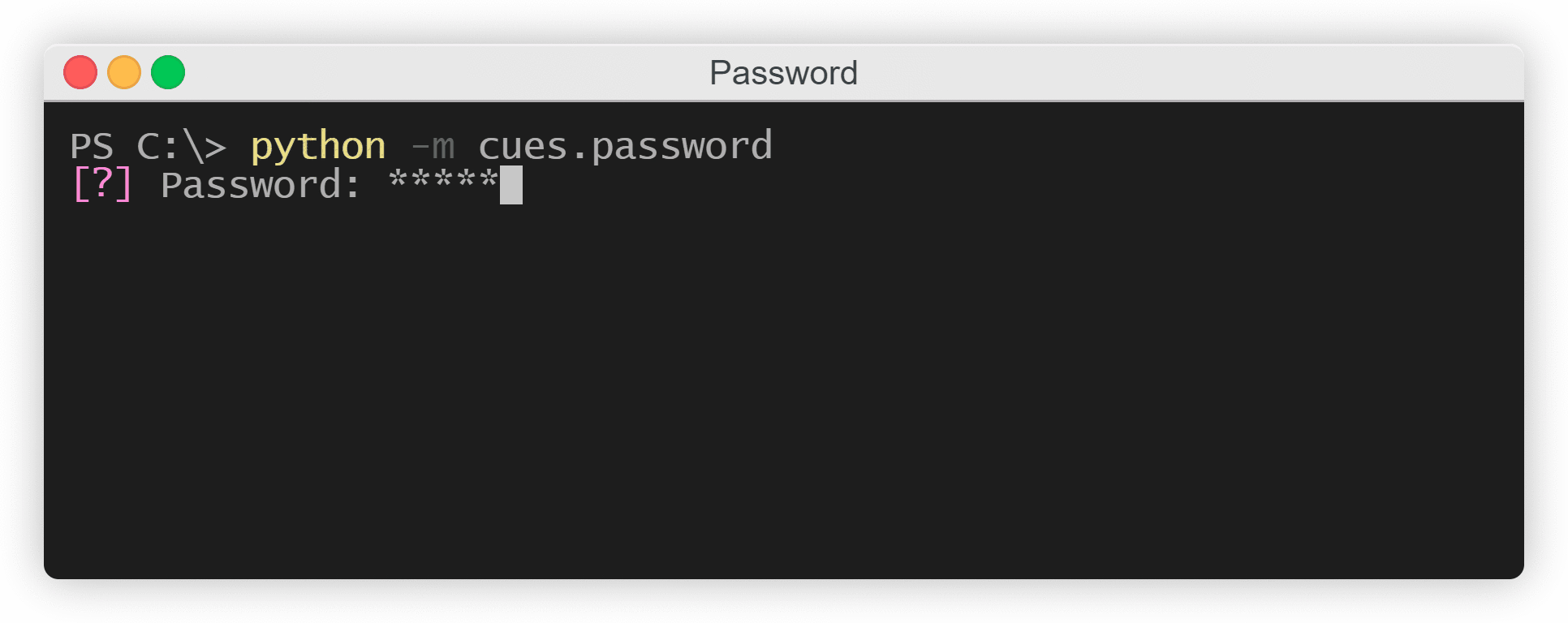
The Password cue
As the user types, asterisks will appear where their input normally would if you were to use Python’s built-in input function. The user can use the Backspace/Delete key to undo any mistakes or reset their input. Once they’re done, they can hit the Enter key and a dict will be returned with a str object:
{'password': '1234'}
Two formats
There are two possible formats that can be used for displaying the message to the user: one that ends with a bullet point and one that doesn’t.
If your message ends with an alphanumerical character (A-Z | 0-9), then a bullet point will separate the message you provide and the user’s input:
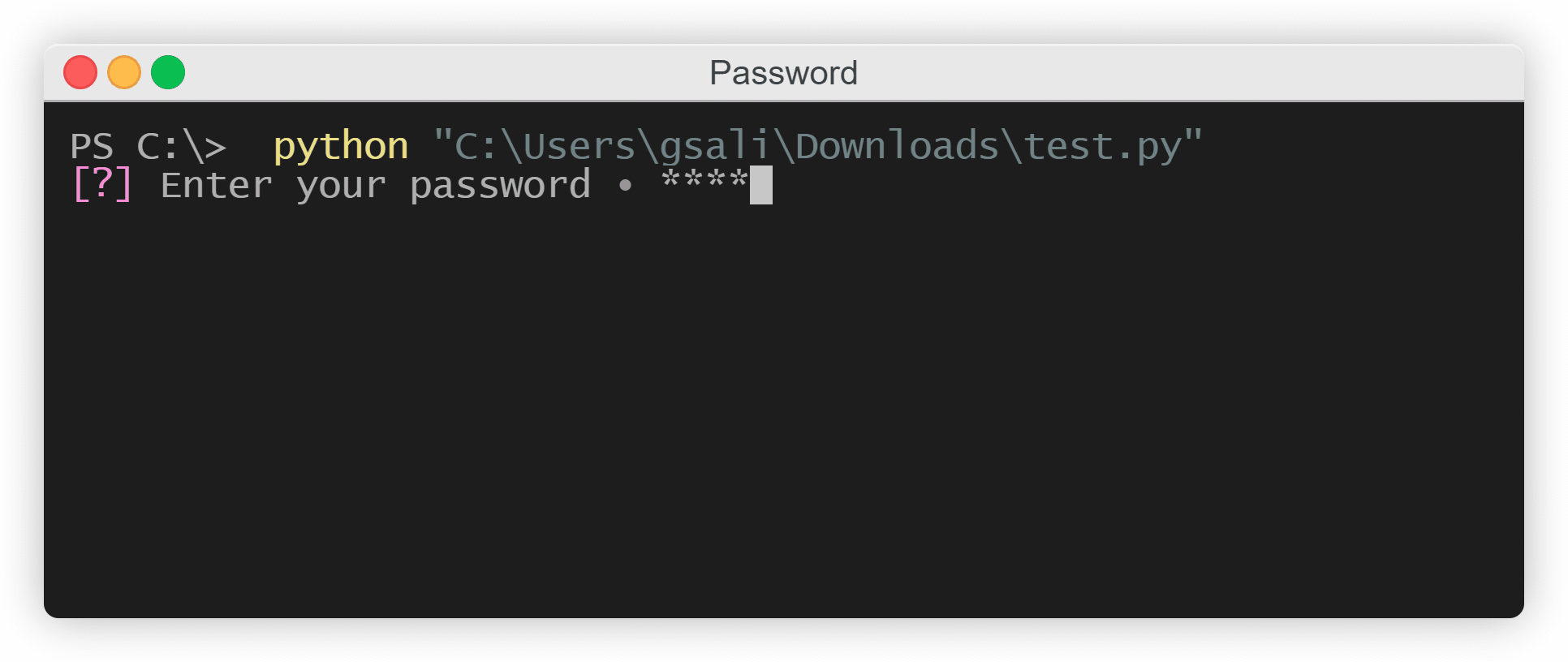
The Password cue
Otherwise, if your message ends with a colon or a question mark, the only thing separating your message and the user’s input will be one whitespace character:
The Password cue
Instantiating from a dict
In the previous example, we initialized separte variables for the __init__ method of a Password object. However, we could also make use of the class’s from_dict classmethod and instantiate by using a dict instead:
from cues import Password


password_dict = {
    'name': 'password',
    'message': 'Password:'
}

cue = Password.from_dict(password_dict)
answer = cue.send()
The names for the values in this dict must be the same as the names of the parameters in the __init__ method.