cues
stable

Contents:

  • Installing Cues
  • Meet the Cues
  • Gallery
    • Checkbox
    • Confirm
    • Form
    • Password
    • Select
    • Survey
cues
  • »
  • Gallery
  • Edit on GitHub

Gallery

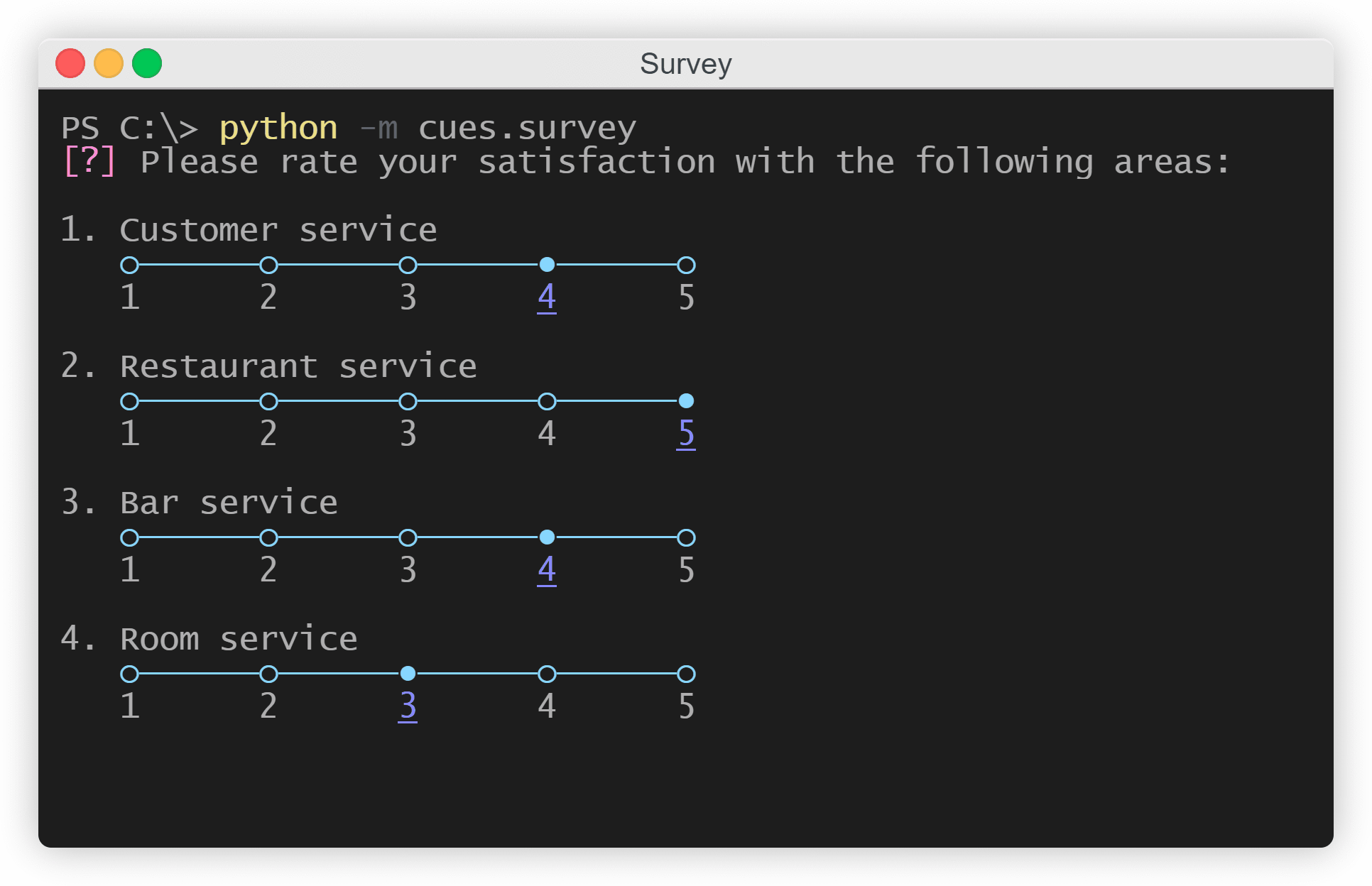
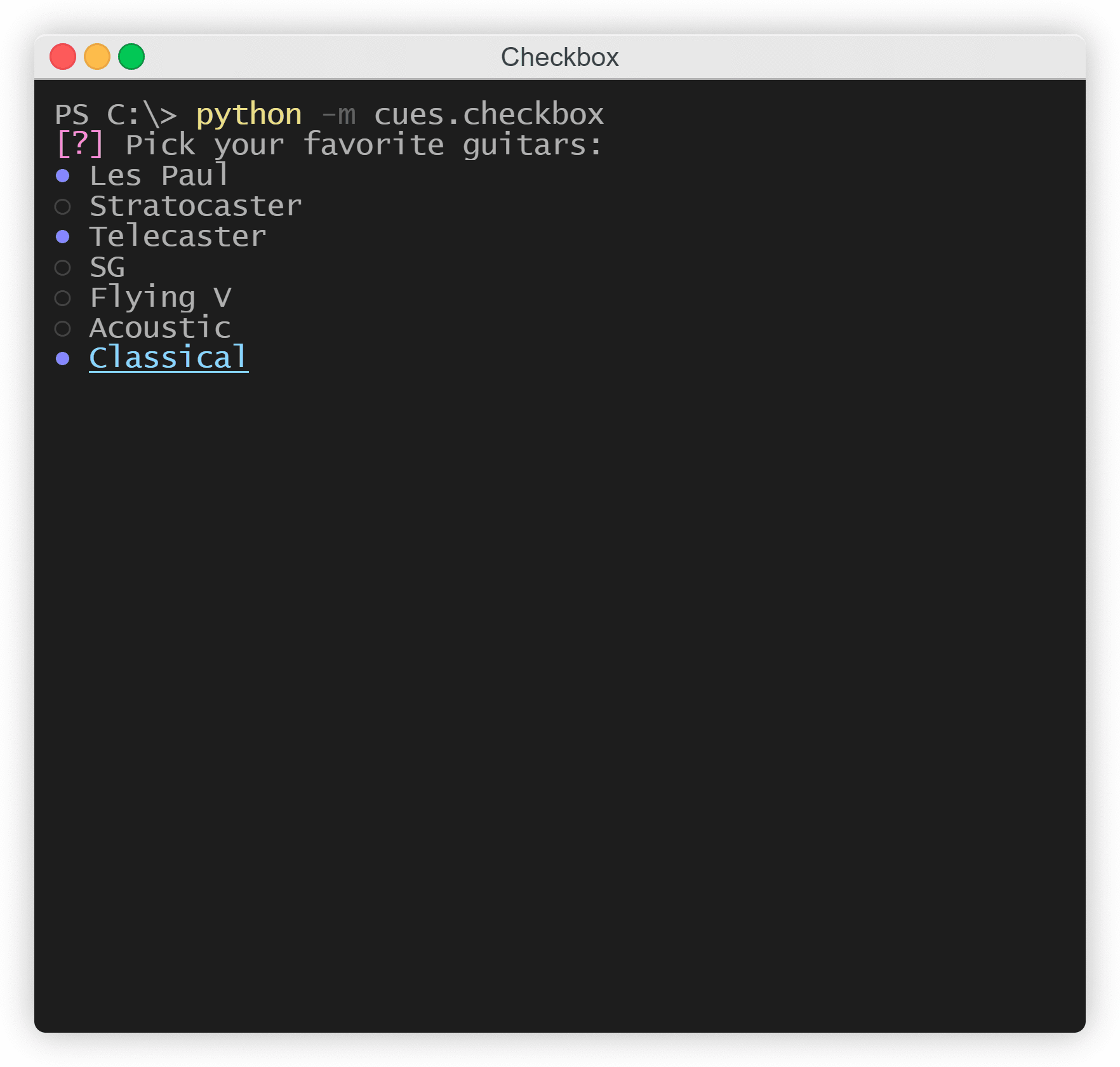
Welcome to the gallery. Here, you can see quick snapshots of each of the individual cues in order to get an idea of how they would look in a terminal and to decide if they’re right for your use case.

Note

This section only contains images of the different cues. If you would like to run an interactive example of them directly from your terminal to get a better understanding of how they work, please enter the following line in your terminal:

python -m cues.<cue>

For example:

python -m cues.survey
Checkbox

checkbox snapshot

The Checkbox cue

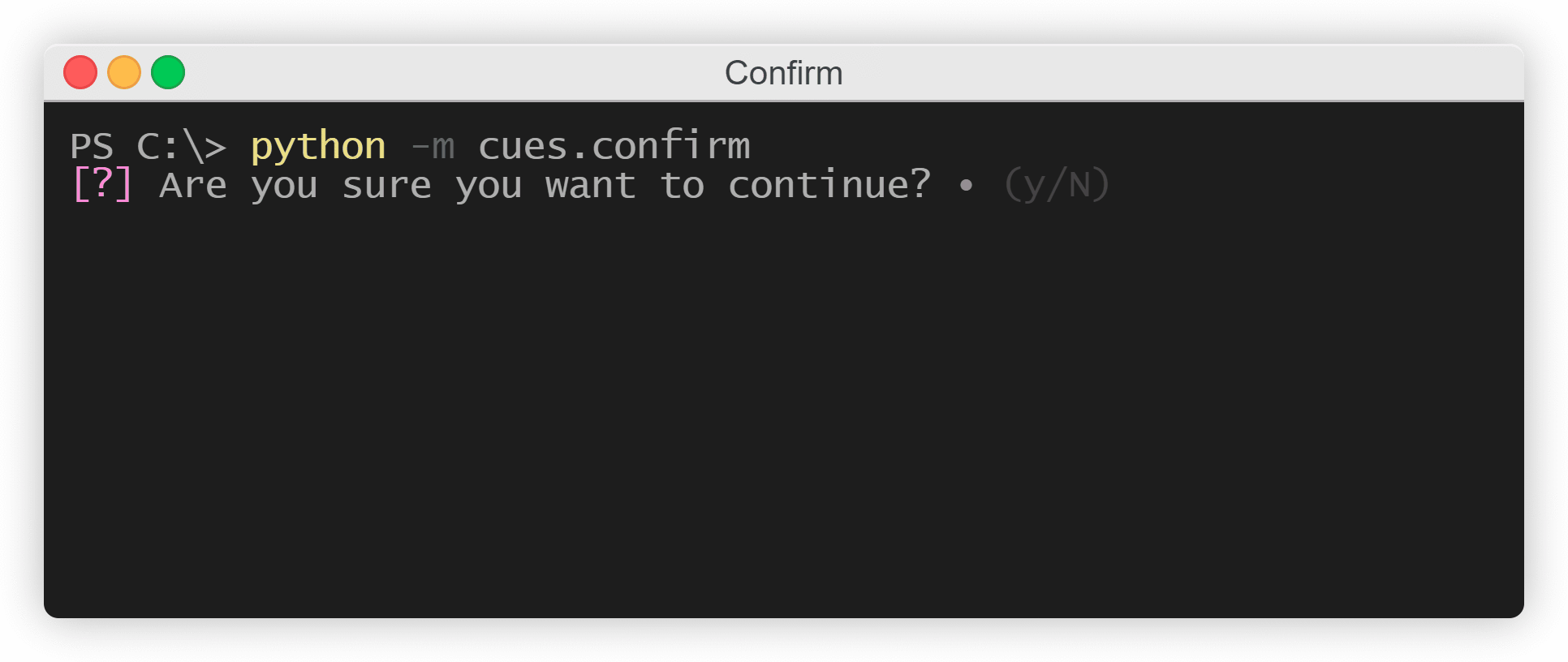
Confirm

confirm snapshot

The Confirm cue

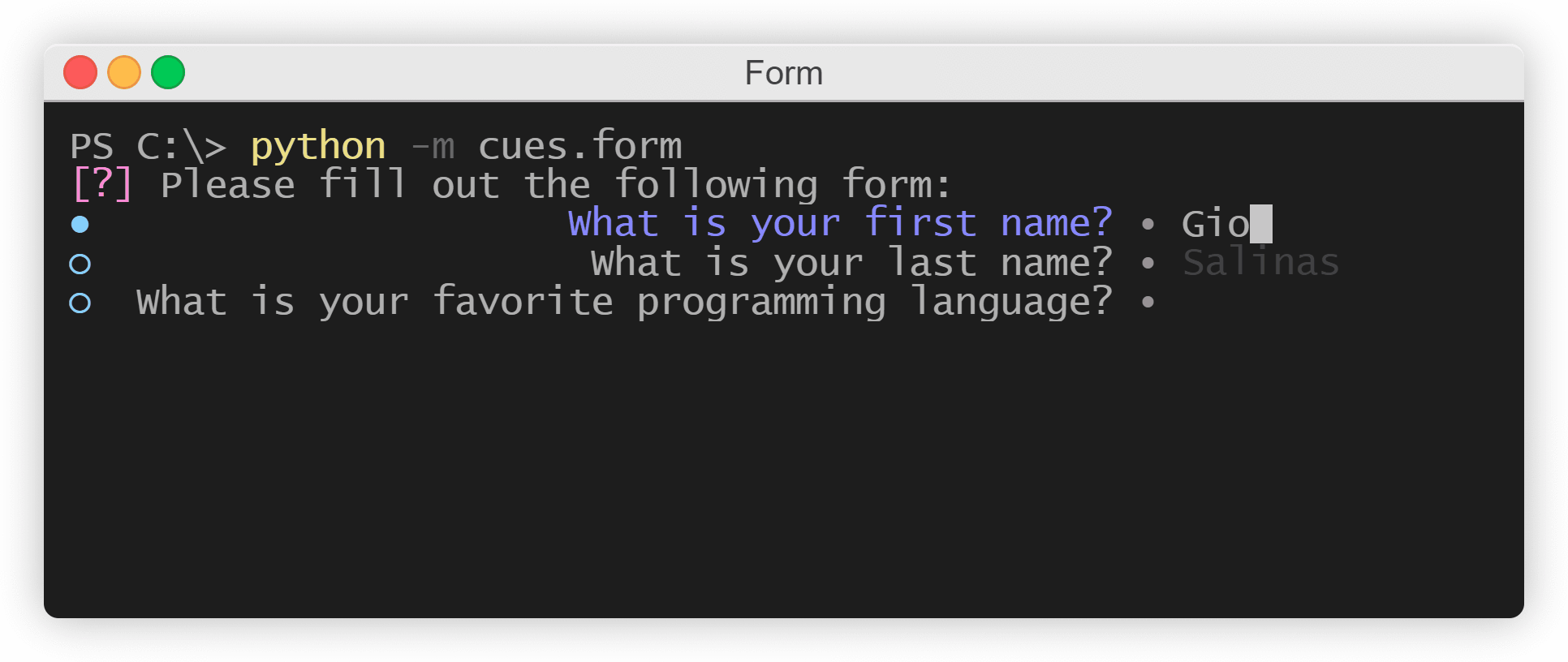
Form

form snapshot

The Form cue

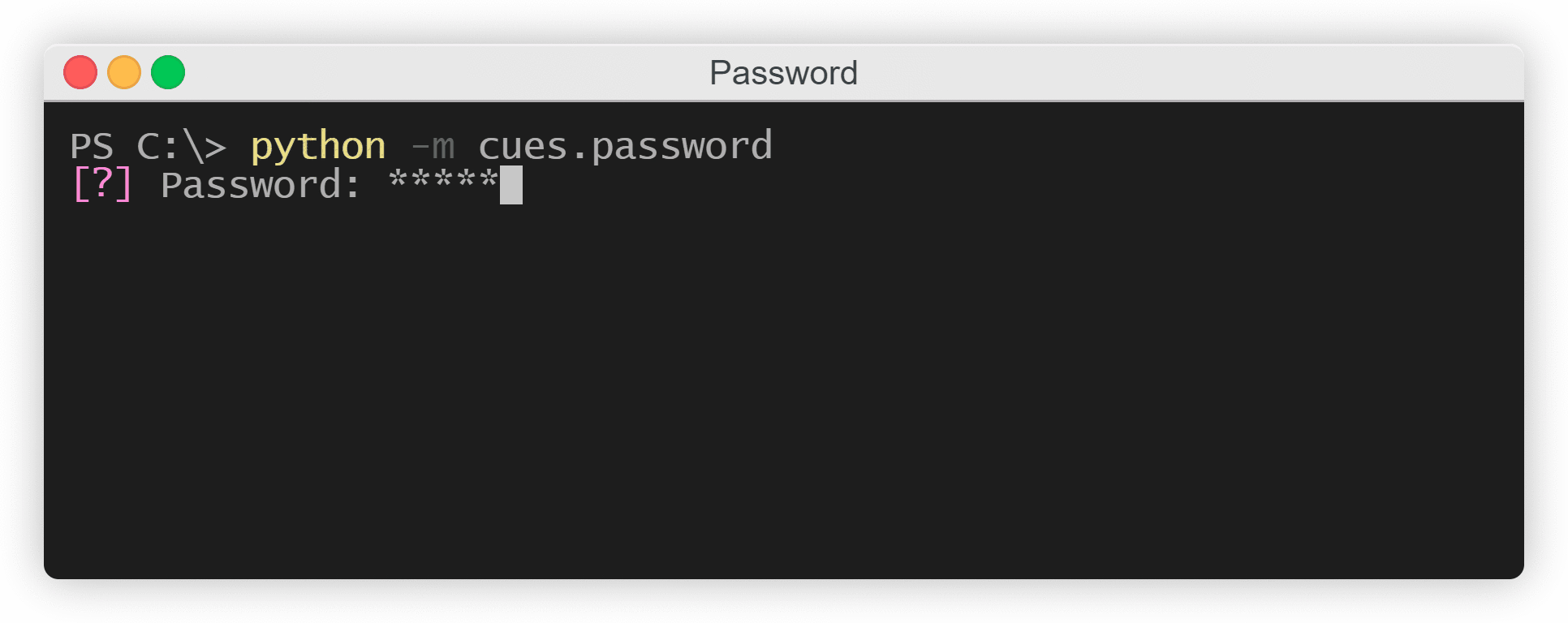
Password

password snapshot

The Password cue

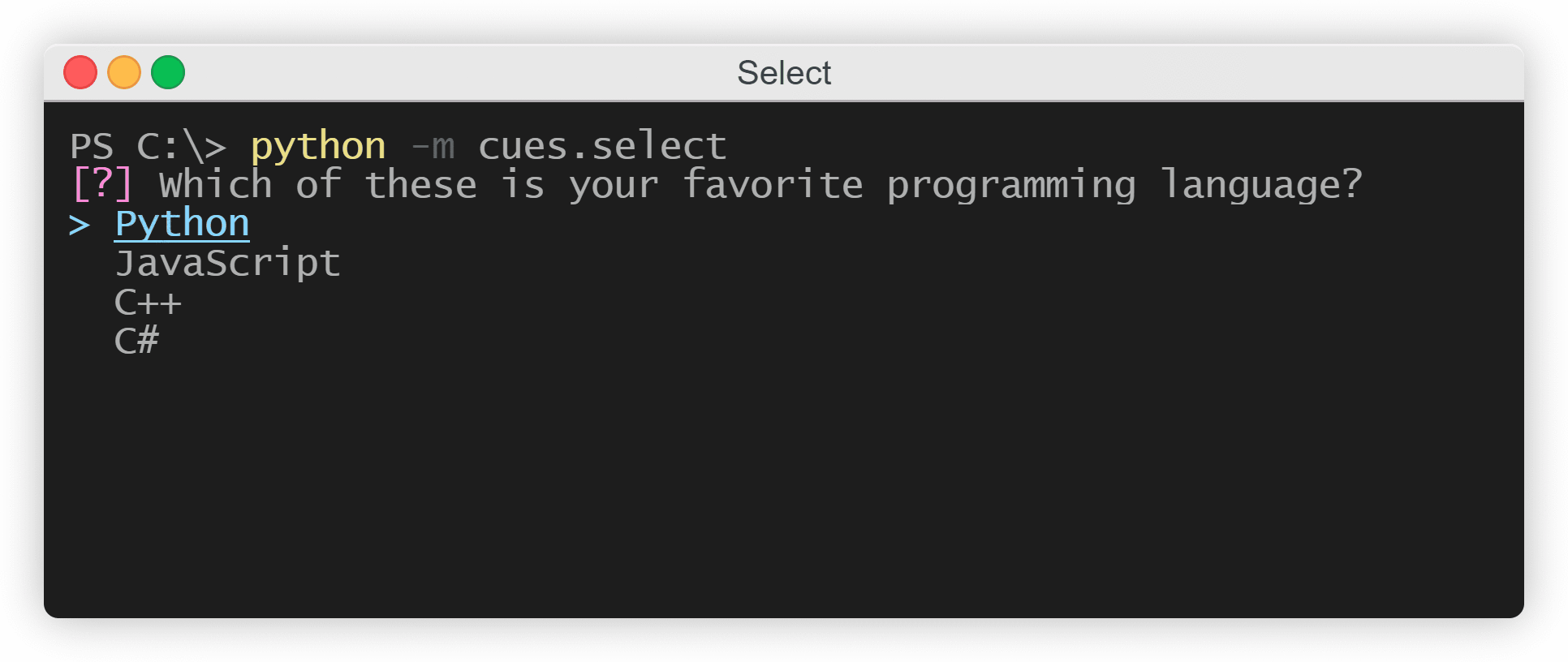
Select

select snapshot

The Select cue

Survey

survey snapshot

The Survey cue

Previous

© Copyright 2021, Giovanni Salinas. Revision 2345646b.

Built with Sphinx using a theme provided by Read the Docs.