Confirm
This page will explain how to use the Confirm cue of the Cues library.
Confirm objects are useful for asking simple yes-no questions. The result is a dict containing a boolean value.
Before we start, make sure you have Cues installed.
Setting up
Confirm objects have two required parameters:
Parameters |
Type |
Optional |
Default |
|---|---|---|---|
name |
str |
No |
|
message |
str |
No |
The signature for the init method of a Confirm object:
def __init__(self, name, message):
    # ...
We first need to start by importing Confirm from the Cues library:
from cues import Confirm
Now, we need to instantiate a Confirm object. We can do this with a little bit of setup by initializing some variables:
name = 'continue'
message = 'Are you sure you would like to continue?'
That’s it. The Confirm cue is the simplest of them all.
In the code above, we created the variables name and message:
namewill be used to retrieve the results from aConfirmobjectmessageis the text that will be displayed to the user
Now that our setup is complete, we can go ahead and initialize a Confirm object and ask the user to respond to our message by invoking our instance’s send method:
cue = Confirm(name, message)
answer = cue.send()
When you “send” the cue to the user, they will be presented with something that looks like the following:
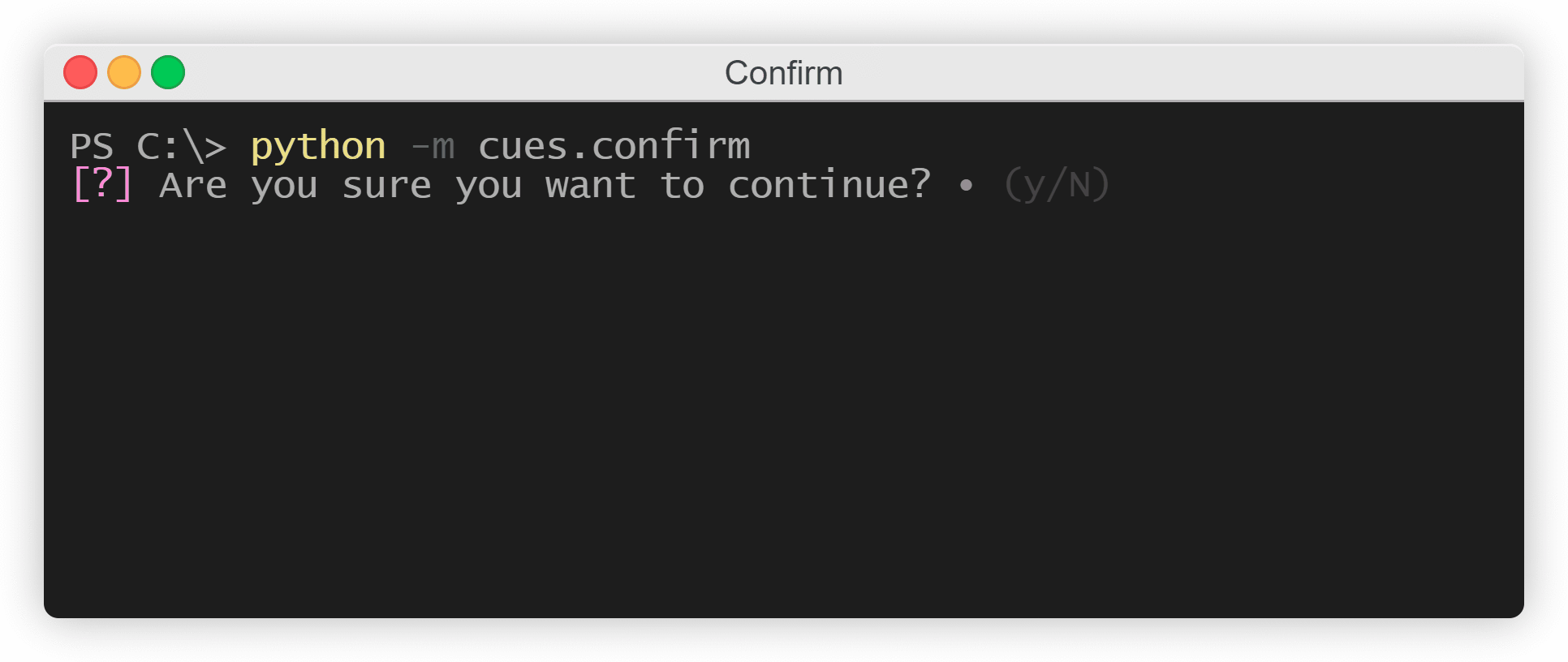
The Confirm cue
At this point, the user can respond by entering one of the four keys:
‘n’
‘N’
‘y’
‘Y’
After receiving one of those inputs, a dict object will be returned consisting of a key-value pair of your name string and a boolean. The result will resemble the following:
{
    'continue': True
}
Instantiating from a dict
In the previous example, we initialized separte variables for the __init__ method of a Confirm object. However, we could also make use of the class’s from_dict classmethod and instantiate by using a dict instead:
from cues import Confirm


confirm_dict = {
    'name': 'continue',
    'message': 'Are you sure you would like to continue?'
}

cue = Confirm.from_dict(confirm_dict)
answer = cue.send()
The names for the values in this dict must be the same as the names of the parameters in the __init__ method.